How it works
Find → Quote → Visualize → Share → Close.
The five moments that make a lighting sale — and exactly how QuickCarter accelerates each one.
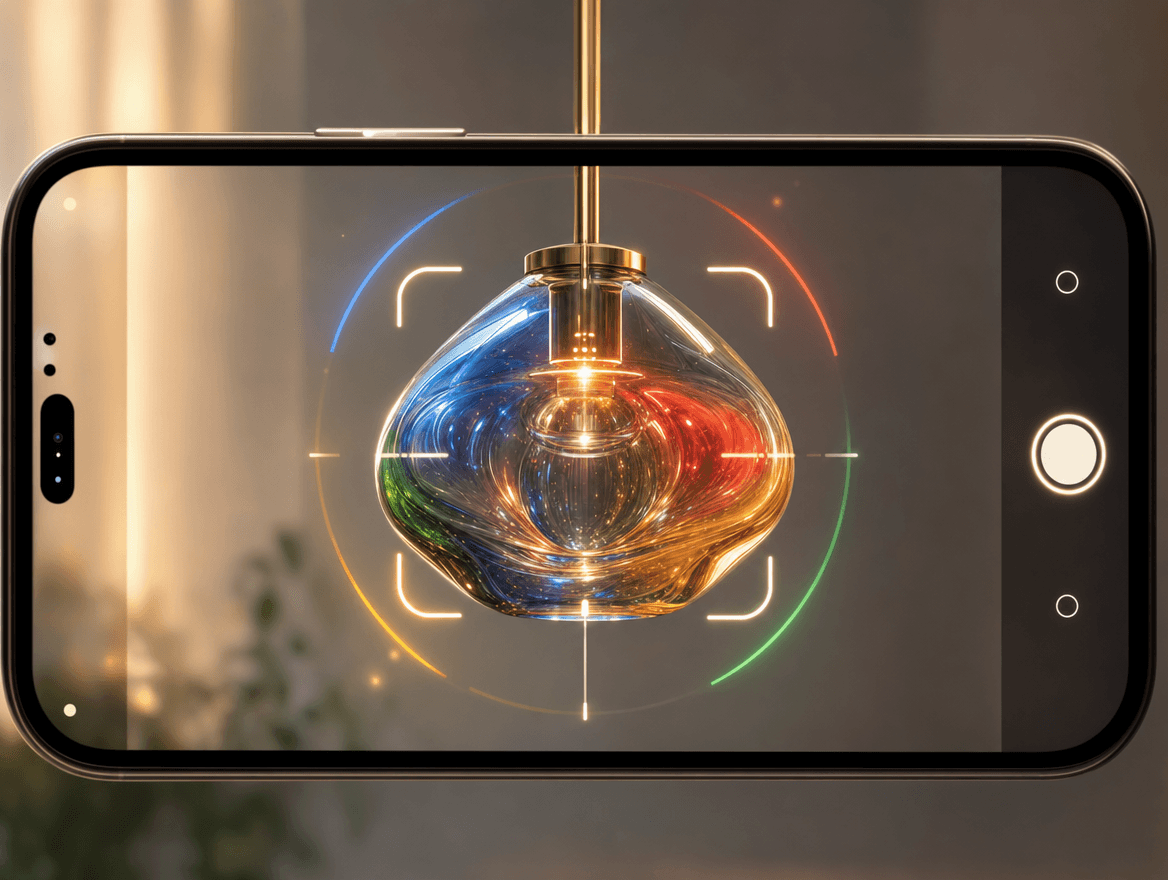
Find
A client points at a light — or sends a photo, or just describes it.
Photograph the fixture and an on-device detector auto-frames it; the server matches it against the full catalog by visual similarity and returns ranked results with model, brand, price and a match %. Or type a phrase — “gold crystal chandelier, art deco” — and match by meaning. Or describe a light that doesn't exist and generate it.
The exact product — or a brand-new one — in seconds.
Quote
Now it needs to become a priced, professional quotation.
Add line items from a scan, the catalog, AI generation or manual entry. Import the customer from your phone contacts in one tap. Drop a client's BOQ photo and every fixture in it is detected, cropped, matched and added automatically. Subtotal, discount, GST and grand total calculate themselves.
A client's BOQ becomes an itemized quote — with almost no typing.
Visualize
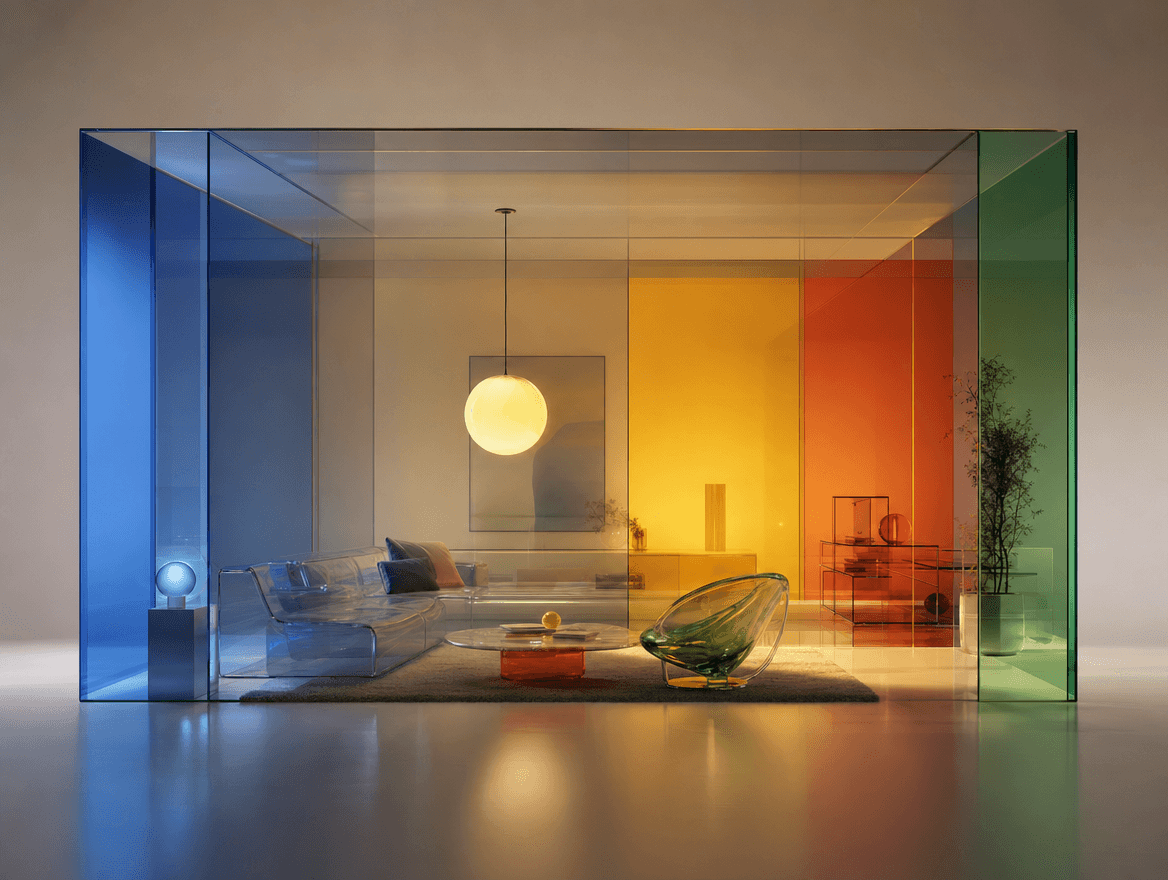
The client wants to know what it will actually look like.
Upload a photo of their room, pick a fixture, and the AI places and renders it — Day·On, Night·On, Night·Off, Lights Off. Tag baseline and lit renders, cross-fade between them, and even export an OFF→ON lighting clip.
Clients see the ambiance before buying — your strongest closer.
Share
Time to put the proposal in the client's hands.
Generate a permanent link the client opens in any browser — no app. It renders the full quotation with images, requirement photos and totals, lets them zoom any fixture, and shows the lights in their room with an OFF→ON cross-fade. Re-share updates the same link; revoke anytime.
An interactive proposal, not a static attachment.
Close
The quote is out. Now you follow up — with insight.
Per-quote analytics show how many devices opened the link, time spent per section, fixture taps and lighting simulations run. An LLM turns that into a briefing: what the client loves, what they're on the fence about, and a natural, ready-to-send follow-up message.
Pitch what excited them — and close the whole quote.

In one visit
Scan a fixture the client points to, show matches, visualize it in their room, add it to a quote, and share the link before you leave.
Watch it happen on your catalog.
Book a walkthrough and we'll run the full flow with your own fixtures.